Maha Games on the screen
How to download and install Maha Games
Use the button on this page to download the Maha Games game. The file is an Android package, 34MB, version 1.1.6.
Download Maha Games
Tap the button on this page. It opens the address where the APK is.
Save the Maha Games APK
Wait until the phone has finished saving the APK, then open that file.
Allow the Maha Games install
If the phone asks about an unknown source, allow this install once, following the system prompt.
Open the Maha Games app
When the install finishes, open the app from the home screen, then register an account as the next section says.
How to register for Maha Games
Open registration for Maha Games
After you open the app, tap Register. Do not submit the form twice.
Enter your mobile number for Maha Games
Use your own mobile number to receive the code, then set a login password.
Check the account, then open Maha Games
Check that the account is open, then choose the game you want to play.
How to log in to Maha Games
Log in to Maha Games with your mobile number
If you already have an account, tap Log in. Enter the mobile number and password you used when you registered.
If you forget the Maha Games password
Tap Forgot password. Use the same mobile number to receive a code, then set a new password. Do not submit it twice.
Maha Games details
| Game | Maha Games |
|---|---|
| Category | Casual |
| Version | 1.1.6 |
| APK size | 34MB |
| System | Android |
| Language | English and Hindi. You switch them inside the app. |
| Age | 18+ |
| Price | Maha Games is free to download |
What Maha Games is like
- One vertical track, with a gold zone in the middle. The stretch that is lit is this round's zone.
- The marker starts below the gold zone and moves up.
- STOP is what counts this try. Until you tap, the marker is still moving.
- If the marker is inside the gold zone when you tap, this round is a hit.
- If you tap while it is outside the gold zone, this round is a miss.
Why play Maha Games
Maha Games may appeal to players who want to watch the marker enter the gold zone before they act. The gold zone is lit, and you can see whether the marker is inside it.
STOP is what counts this try. A hit stops the round, and a miss stops the round too. The next round puts the marker back below the gold zone.
How to play Maha Games
-
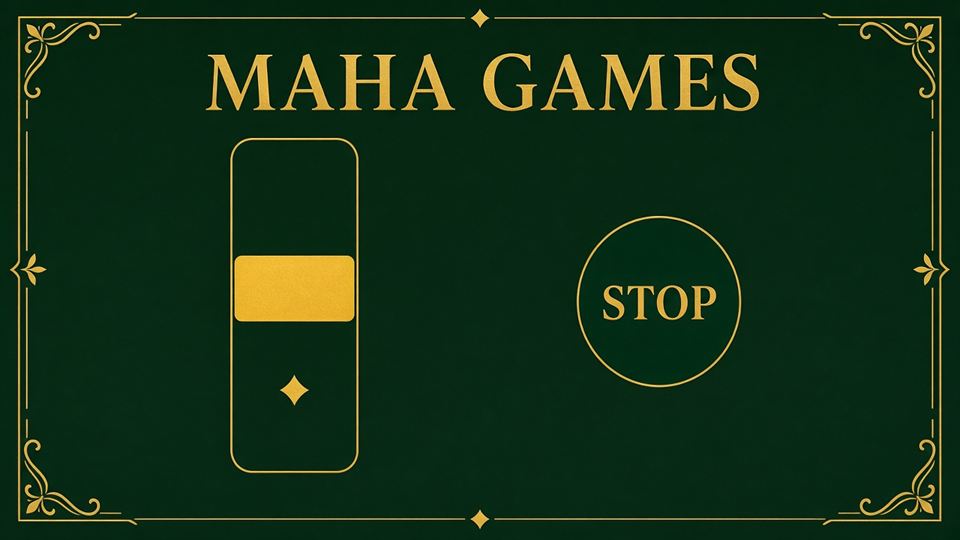
Look at this gold track first
When you enter the room, look at the gold track. The marker is below the gold zone, and it has not entered yet. STOP is not lit. Do not tap yet.
Look at this gold track first -
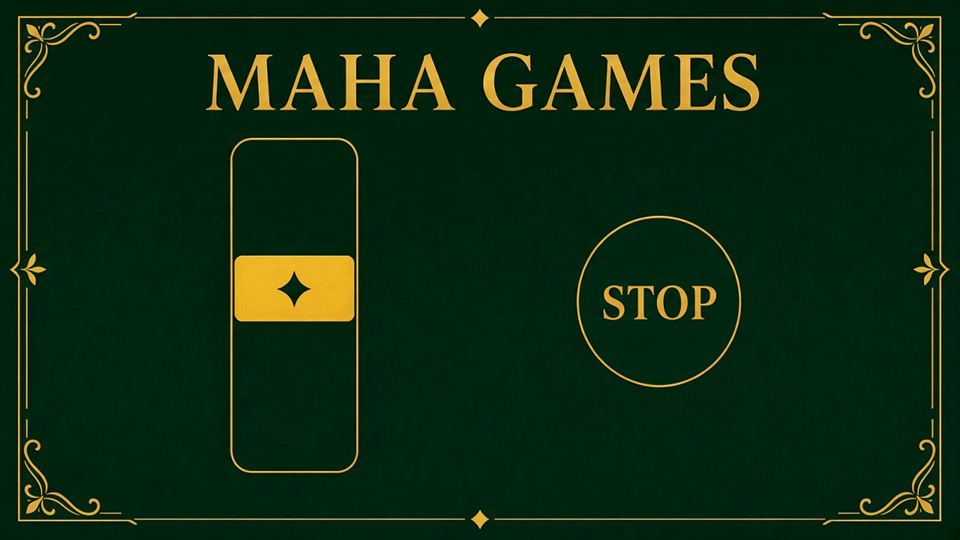
Wait until the marker enters the gold zone
The marker moves into the gold zone. Nothing is left below the zone. STOP is still not lit.
It enters the gold zone -
Tap STOP
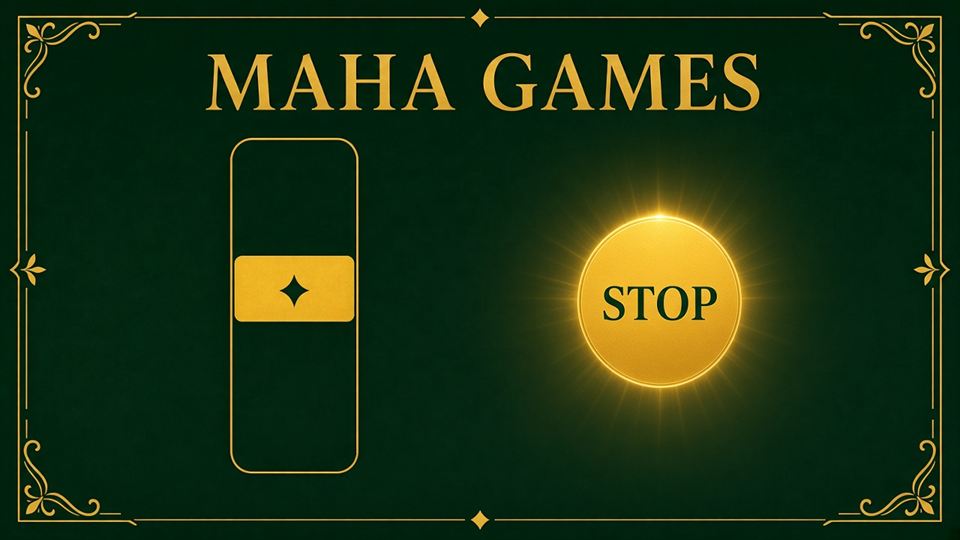
While the marker is still inside the gold zone, tap STOP. STOP lights up. Nothing is left below the gold zone.
Tap stop while it is inside the gold zone -
This round stops
If the marker is inside the gold zone when you tap, this round ends. If it is outside when you tap, this round ends as a miss. The next round puts the marker back below the gold zone.
Playing Maha Games well
What to do
- See that the marker is still below the gold zone. STOP is not lit, so do not tap yet.
Look, then wait - Wait until the marker is inside the gold zone, while STOP is still not lit, then tap.
Tap after it is inside - After it lights, see whether the marker is still inside the gold zone. Inside is what makes this try a hit.
See whether it is still inside
What not to do
- Do not tap STOP while the marker is still below the gold zone. The gold zone is empty, the marker is below it, and STOP has a cross.
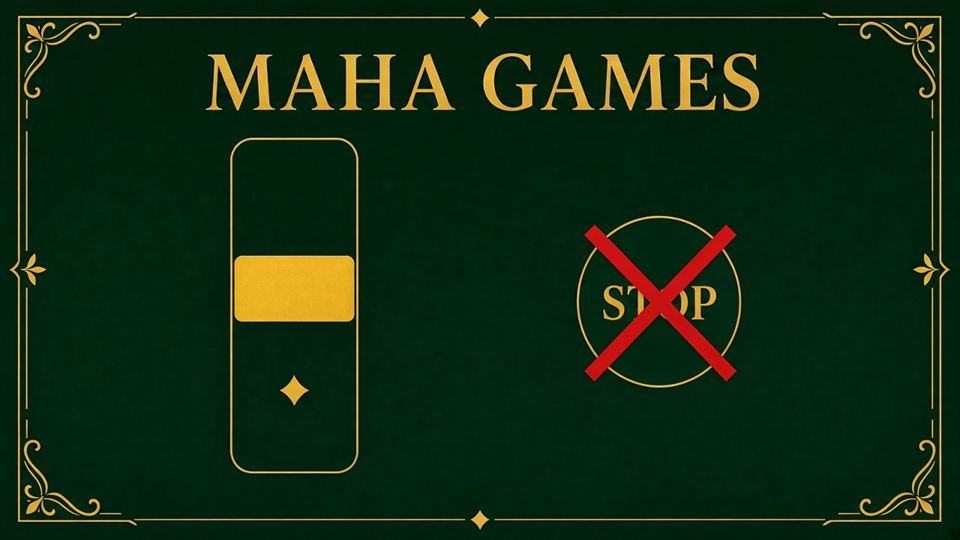
It has not entered yet - Do not tap STOP after the marker has already passed the gold zone. The marker is above the gold zone, the zone is empty, and STOP has a cross.
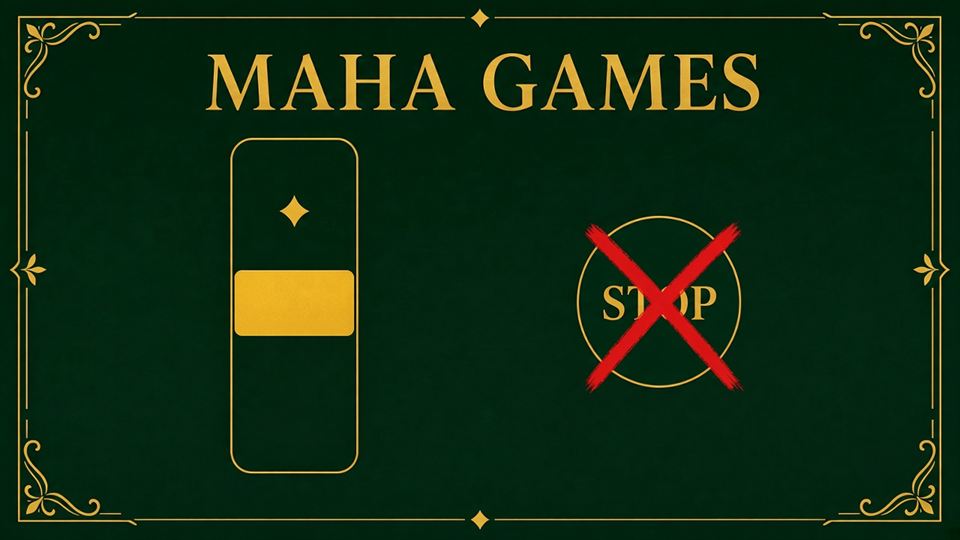
It has already passed - Do not leave STOP untapped while the marker is inside the gold zone. The marker is already inside, STOP is not lit yet, and this round has not stopped.
Rules of Maha Games
- This track
-
- One vertical track, with a gold zone in the middle.
- Which stretch of this track is the gold zone is the stretch this round lights.
- The marker
-
- The marker starts below the gold zone.
- It moves up.
- After it passes the gold zone, it keeps moving up.
- Only one marker is on the track at a time.
- Tap STOP
-
- STOP is what counts this try.
- If the marker is inside the gold zone when you tap, this round is a hit.
- If it is outside the gold zone, this round is a miss.
- After you tap, you cannot change it.
- You tap once.
- How this round stops
-
- When you tap STOP, this round ends.
- The next round puts the marker back below the gold zone.
- Where the previous round stopped does not carry over.