101 Z on the screen
How to download and install 101 Z
Use the button on this page to download 101 Z. The file is an Android package, 34MB, version 1.1.6.
Download 101 Z
Tap the button on this page. It opens the address where the APK is.
Save the 101 Z APK
Wait until the phone has finished saving the APK, then open that file.
Allow the 101 Z install
If the phone asks about an unknown source, allow this install once, following the system prompt.
Open the 101 Z app
When the install finishes, open the app from the home screen, then register an account as the next section says.
How to register for 101 Z
Open registration for 101 Z
After you open the app, tap Register. Do not submit the form twice.
Enter your mobile number for 101 Z
Use your own mobile number to receive the code, then set a login password.
Check the account, then open 101 Z
Check that the account is open, then choose the game you want to play.
How to log in to 101 Z
Log in to 101 Z with your mobile number
If you already have an account, tap Log in. Enter the mobile number and password you used when you registered.
If you forget the 101 Z password
Tap Forgot password. Use the same mobile number to receive a code, then set a new password. Do not submit it twice.
101 Z details
| Game | 101 Z |
|---|---|
| Category | Puzzles |
| Version | 1.1.6 |
| APK size | 34MB |
| System | Android |
| Language | English and Hindi. You switch them inside the app. |
| Age | 18+ |
| Price | 101 Z is free to download |
What 101 Z is like
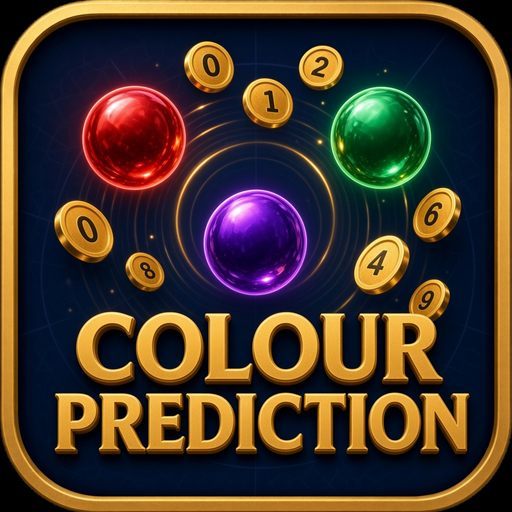
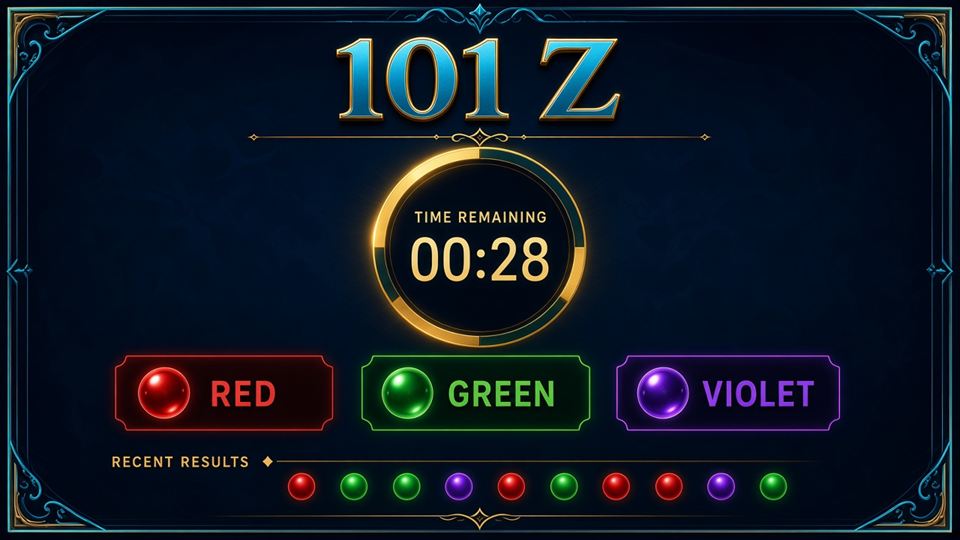
- Each round opens one colour. The panel usually shows red, green, and violet.
- You choose one item before the result. After the round closes, you cannot change it.
- If the colour that comes up is the one you picked, the result is a match. If it is not, you lose the stake.
- How a match is paid is written on this round's screen. This page does not state that figure.
- Each round stands on its own. A colour that has not come up does not mean the next round will show it.
Why play 101 Z
101 Z may appeal to players who like picking a colour and waiting for the countdown to finish. Three colours sit on the panel. One tap selects one.
You pick, you wait, and you check the result. A match is counted as that round's screen says. A miss ends this stake. A round is short.
How to play 101 Z
-
Look at this round first
When you enter, look at the countdown, then at RED, GREEN, and VIOLET. Do not pick an item you cannot read.
-
Choose one item
Tap a colour before the result. You can change it before the round closes. After it closes, this round is set.
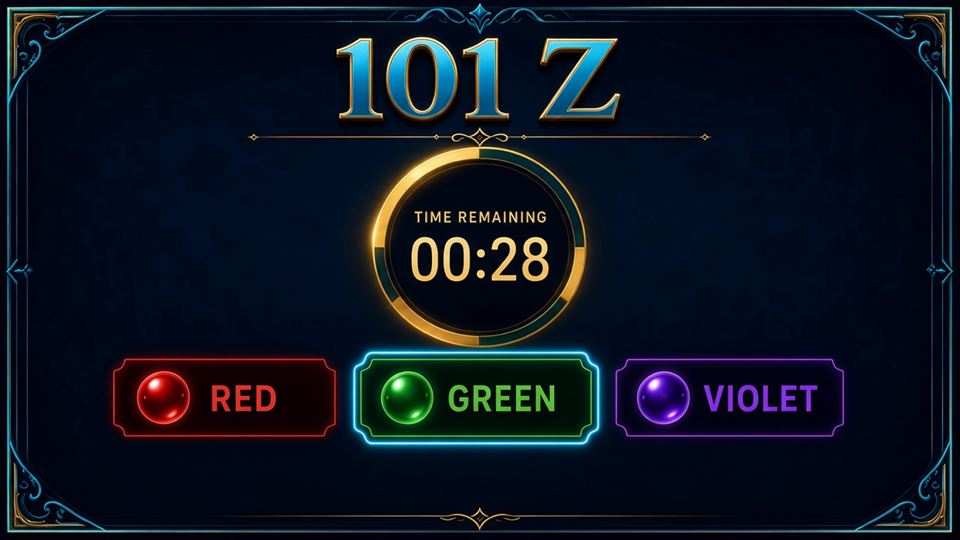
The pick -
Wait for the result
When the countdown ends, this round's colour lights up. If it is the same item you picked, it is settled as the screen says then. The figure is the one on this round. This page does not state that figure.
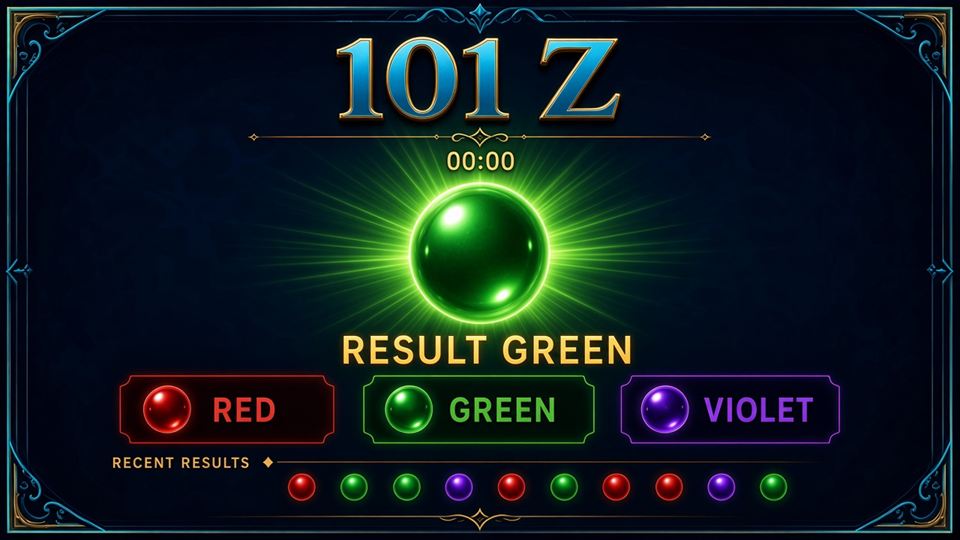
The result -
If it does not match, the round ends
If the result is not the item you picked, you lose the stake. The next round needs a new pick.
Playing 101 Z well
What to do
- Pick only a colour you can read on the panel. If a name is long, read which results it covers before you tap.
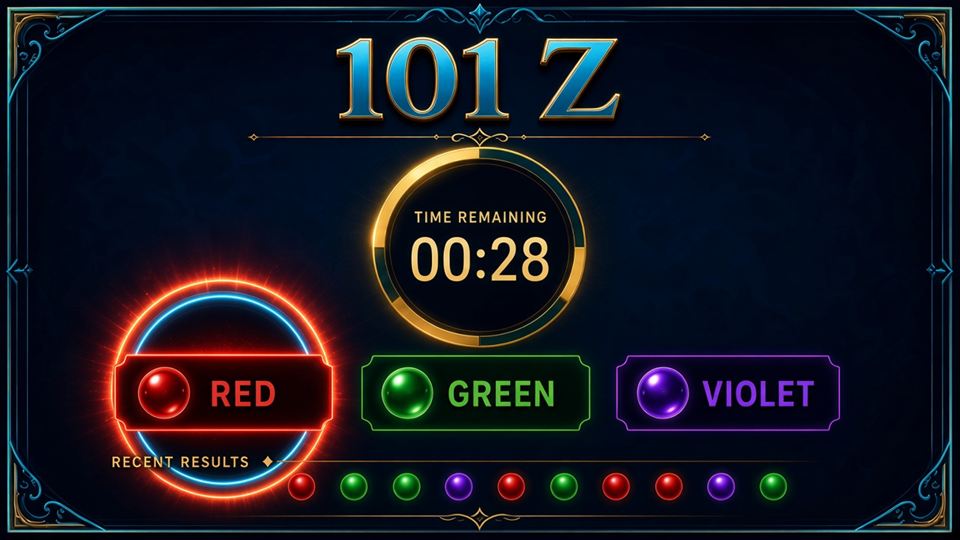
A colour you can read - Set the pick before the round closes. When the time is up, leave it.
What not to do
- Do not guess the next round from the colours already shown. What has already come up does not say what comes next.
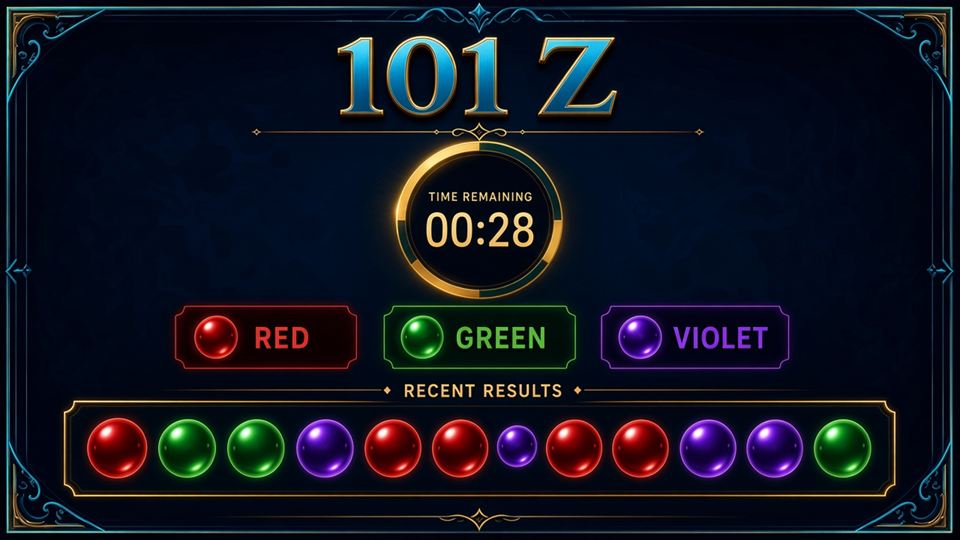
Already shown - Do not raise the next stake because this round missed. This round does not owe you the last result.
- Do not change the pick after the round has closed. This round has already stopped.
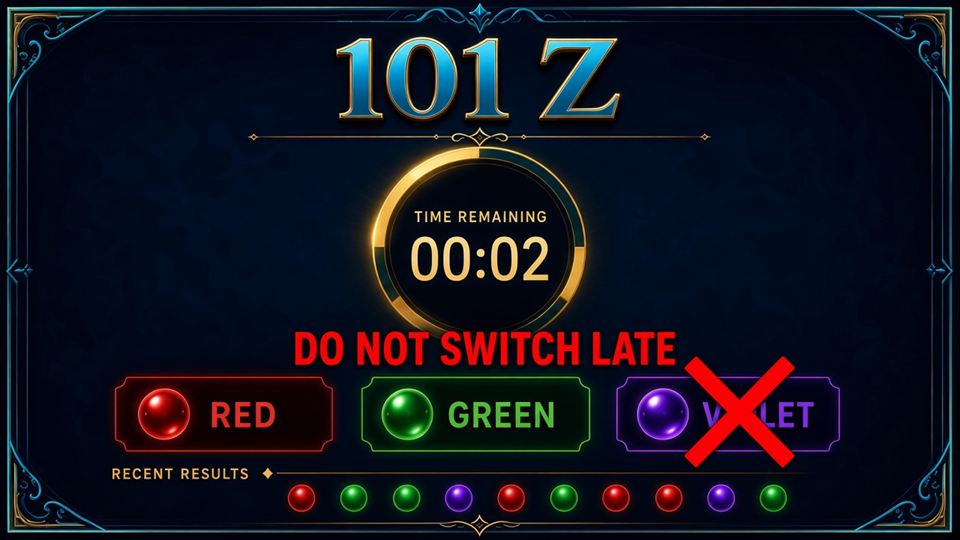
Do not change it now
Rules of 101 Z
- One result a round
-
- Each round opens one result.
- It is usually one colour among red, green, and violet.
- What this round opens is on this round's panel.
- The pick
-
- You choose one item before the result.
- You can change it before the round closes.
- After it closes, you cannot change this round.
- A match and a miss
-
- If the colour that comes up is the one you picked, the result is a match.
- How it is credited is written on this round's screen.
- This page does not state that figure.
- If it does not match, you lose the stake for that round.
- The next round does not add a colour to make up for it.
- Each round stands on its own
-
- Each round is counted on its own.
- Earlier rounds only show results that have already come up.
- A colour that has not come up does not mean the next round will show it.